Action Sports & GoPro:
High-Volume Organization.
Don't let cryptic camera filenames ruin your edit. Learn the pro system for managing terabytes of adventure footage.
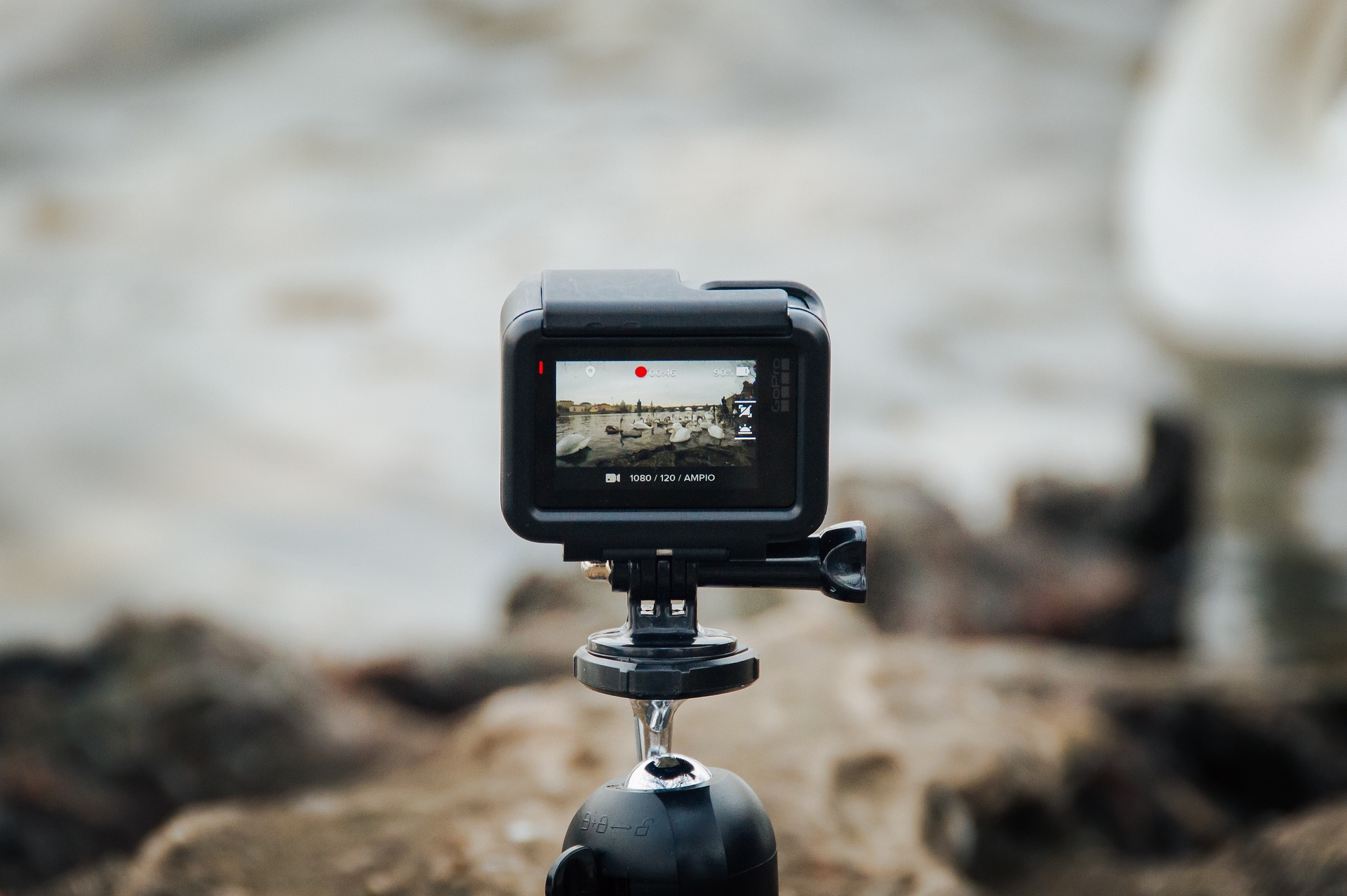
You just returned from a week of surfing in Bali or mountain biking in the Alps. You have three SD cards full of epic 4K footage. You plug them into your laptop, open the DCIM folder, and your heart sinks: it’s a sea of GH010042.mp4.
The "GoPro Naming" Nightmare
Action cameras like the GoPro HERO series or Insta360 use a sequential naming system that makes sense to a computer, but zero sense to a human. Even worse, if you format your card mid-trip, the camera resets to 0001. When you move those files to your hard drive, your computer asks: "Do you want to replace GH010001.mp4?"
If you click "Yes," you lose footage. If you click "Keep Both," you end up with a mess of duplicates. Professional editors avoid this by batch-renaming at the ingest stage—before the files even touch the editing software.
The Bali Case Study
Imagine Chris, a travel vlogger. He has 150 clips from Uluwatu and 200 from Ubud. On his SD card, they are all mixed together.
- Chris drags the Uluwatu folder into Renamego Classic.
- He uses the Pattern Tool to add a prefix: Bali_Uluwatu_{date}_.
- He uses Magic Fill to ensure the numbers sequence from 001 to 150.
Total time: 15 seconds. Result: A perfectly searchable archive.
Managing "Chapters" (The Long Clip Problem)
Did you know that GoPro splits long recordings into multiple files? A 20-minute downhill mountain bike run might be split into four 4GB files. By default, GoPro names these GH01..., GH02..., etc.
When you batch rename, it is vital to keep these "chapters" in order. In Renamego, you can sort by "Date Modified" before you apply your new names. This ensures that when you rename them to DH_Run_Part_01, 02, and 03, the story of your ride stays in the correct sequence on your timeline.
The "Zero-Upload" Advantage for 4K Footage
High-bitrate 4K and 5.3K video files are massive. A single day of shooting can easily reach 100GB. Traditional "Cloud Renamers" are useless here—you would spend days just waiting for the files to upload.
Because **Renamego** uses a browser-native engine, it doesn't "upload" your video. It simply re-labels the file record on your local system. Whether your file is 1MB or 10GB, the rename is instant. This is the difference between a tool built for professionals and a tool built for hobbyists.
The Pro Archiving Pattern
YYYYMMDD_Location_Activity_Shot_{series}
By putting the year, month, and day first, your computer's "Sort by Name" function will automatically list your entire life's adventures in perfect chronological order. No more hunting for "that one surf trip" three years ago.
Summary Checklist
- Offload First: Copy files from SD to a fast SSD.
- Sort by Date: Ensure chapters stay in order.
- Batch Rename: Use Renamego to apply location and dates.
- Import: Drag your clean, named files into Premiere or Resolve.
Organize your next shoot.
Spend less time naming files and more time editing the perfect cut.
Launch Action Workflow